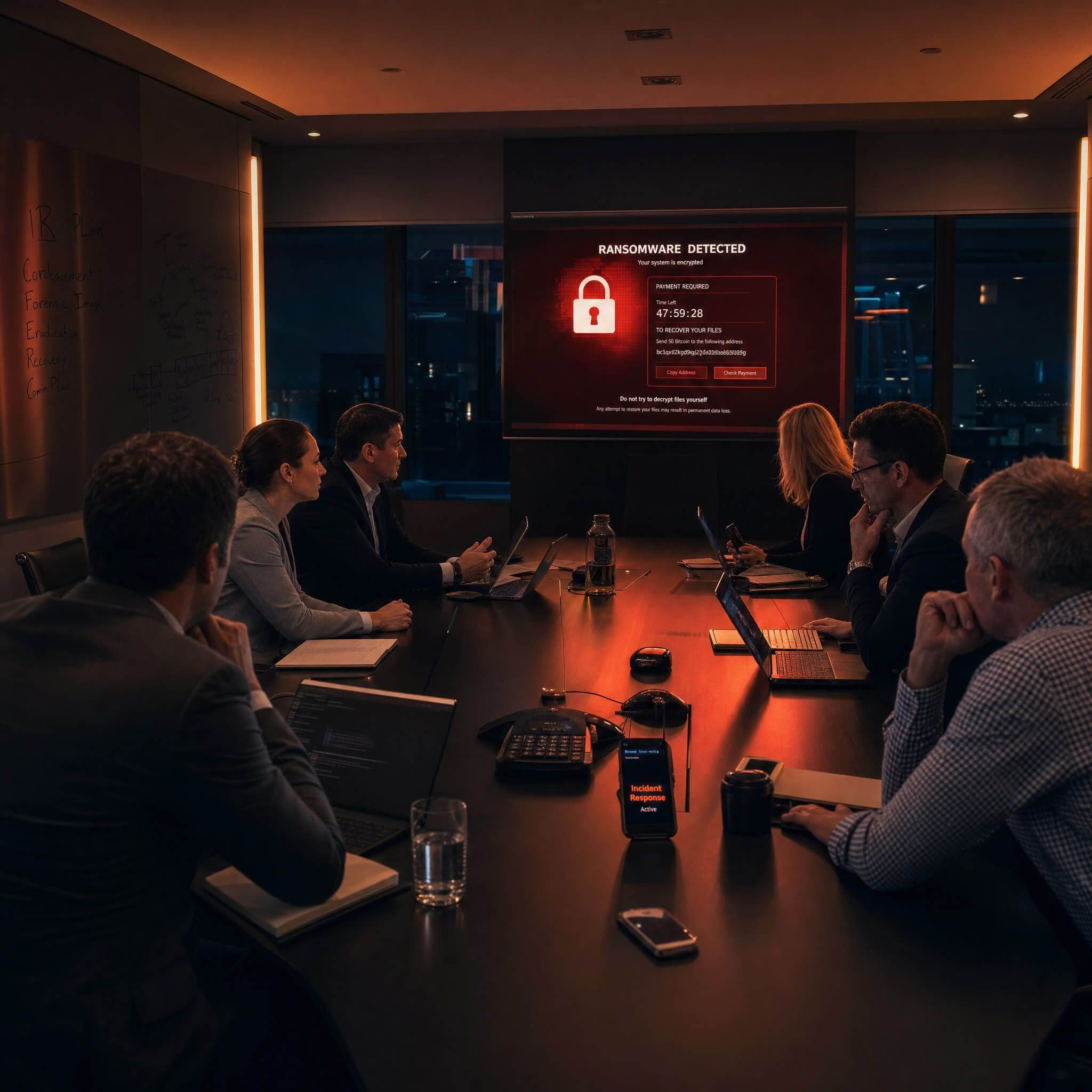
The first twenty-four hours of a ransomware incident determine whether you recover in days or months. Most of the mistakes we see — evidence destroyed, communications that alert the attacker, backups that turn out not to work — happen in those first few hours. This is the playbook.
Before anything else: do not panic
The instinct when you discover an attack is to act immediately and decisively. That instinct is dangerous. Hasty actions destroy forensic evidence, alert the attacker that they have been detected, and sometimes trigger additional malware that was waiting for exactly that signal.
Hour one: isolate affected systems
The priority is containment, not recovery. Your first job is to stop the spread.
- Disconnect affected machines from the network — physically unplug network cables and disable Wi-Fi. Do not power them off unless instructed by a forensics team.
- Identify the scope — which systems are encrypted and which are not. Check file servers, backup systems, and cloud-connected machines separately.
- Do not attempt to remove the ransomware yourself. You will destroy evidence. Leave encrypted machines as they are.
- Take photos of any ransom notes displayed on screens before you click anything.
- Disconnect any cloud sync services that may be propagating encrypted files — OneDrive, SharePoint sync, Google Drive clients on affected machines.
Hours two to six: preserve evidence and assess
Once initial isolation is complete, the focus shifts to evidence preservation and scope assessment.
- Contact your cyber insurance provider. Most policies require notification within hours, not days. They will assign an incident response firm if you do not have one engaged.
- Do not wipe or rebuild any machine yet. Rebuilding destroys evidence that forensics needs to determine the initial access vector, dwell time, and whether data was exfiltrated.
- Identify which admin credentials may be compromised. Assume all credentials stored on affected machines are compromised.
- Check whether your backups are intact, disconnected from the network, and testable. This determines whether you recover or negotiate.
- Notify your IT provider and begin logging all actions taken — timestamps, who did what, what they observed.
Hours six to twenty-four: decisions and notifications
The decisions that happen in this window shape the entire recovery.
Backups: if you have clean, tested, offline backups from within the last 48 hours, recovery is achievable. If your backups were connected and encrypted alongside production systems, or have never been restore-tested, the calculation is more difficult.
Payment: we do not advise on whether to pay. What we do say is that payment does not guarantee recovery, does not prevent data publication, and may have legal implications under Australian sanctions law if the group is a designated entity. Get legal advice before making any payment decision.
Notification obligations: if personal information has been accessed or exfiltrated, you may have obligations under the Australian Privacy Act (Notifiable Data Breaches scheme) and potentially under the SOCI Act depending on your sector. Get legal advice early and do not wait until you have full certainty about the scope.
The organisations that recover fastest from ransomware are the ones that had a tested incident response plan before they needed it — not the ones that figured it out during the attack.
What not to do
- Power off encrypted machines without forensic guidance.
- Communicate about the incident over email or messaging channels that may be compromised — use out-of-band communication.
- Rebuild systems before forensics has completed evidence collection.
- Contact the attacker via the ransom portal without legal and IR guidance.
- Assume backups are working without running a test restore.
When to call IronSights
If you are experiencing an active incident, call our IR line now on 1300 004 766. We can engage within hours and provide remote or on-site response, forensic analysis, recovery support, and regulatory notification guidance.
If you want to avoid being in this position, Fortify includes continuous monitoring and an IR retainer as part of the managed service. Fortify clients receive priority response — we are already inside your environment when something happens.
Frequently asked questions
Should we report the incident to police?
Yes. Report to the Australian Cyber Security Centre at cyber.gov.au/report and to the AFP or your state police. Reporting does not commit you to any particular course of action — it creates a record and contributes to the threat intelligence that protects other organisations.
How long does recovery typically take?
With clean, tested offline backups: hours to days for most SMEs. Without working backups: weeks to months, depending on whether free decryption tools exist for the specific ransomware variant and whether you choose to rebuild from scratch or negotiate.
Can data be recovered without paying?
Sometimes. The No More Ransom project at nomoreransom.org contains free decryption tools for some ransomware variants. Your forensics team will check this during the response process as a standard step.